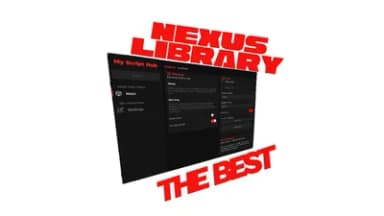
Nexus Ui Library *example*
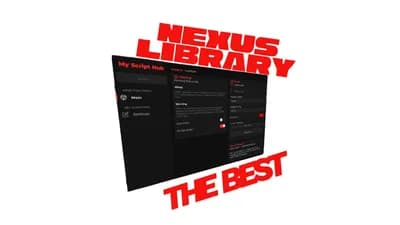
Description
🚀 What is Nexus Library
Nexus Library is a lightweight UI library designed for Roblox — a simple, flexible “UI‑building toolkit” that makes it easy to create windows, tabs, sections, buttons and more with a consistent theme out of the box. It provides a ready‑to‑use color palette, built‑in animations (hover, click, fade‑in, slide‑in), and optional key‑system support (for premium / access‑controlled UIs).
It’s ideal if you want to quickly build sleek, modern UI interfaces in Roblox without writing everything from scratch.
✨ Why use Nexus Library
ready‑made themes & colors — you don’t have to pick and define every color or style manually; the library gives you a consistent palette (primary, dark, secondary, success, warning, error, etc.).
built‑in animation presets — common UI animations like hover, click effects, fade‑ins and sliding are baked in.
rapid UI creation — utility functions like CreateElement let you spawn GUI objects with custom properties without boilerplate.
optional key‑system support — if you want to gate parts of your UI behind a “premium key” (e.g. for VIP access), Nexus Library offers a basic key‑validation system and a default key‑entry screen.
modular structure — windows, tabs, sections and components are organized so you can build complex UIs in a structured way.
 Solara
 Cryptic
 Wave
Wave Codex
Codex Celery
 Delta
Delta Trigon Evo
 Macsploit
 Synapse Z
 AWP.GG
 Cryptic Windows
 Xeno
Xeno Illusion
 Potassium
 Valex
Valex Seliware



Comments
i was here 6
@Maanaaaa what
I was here 2,147,483,647
@HannaeAltae there's no way that you commented i was here over 2 BILLION times
the script is buns bro
@ScripterKing my friend made it btw so say it to them